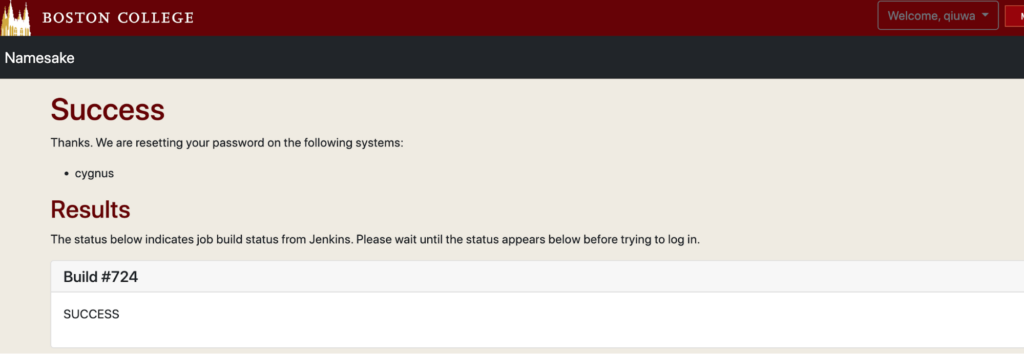
Users on the Boston College Linux cluster may set their password using namesake for initial password establishment as well as any subsequent resets.
- Users need to access the changing password system behind BC’s firewall. Please install a VPN and connect to it first: https://bcservices.bc.edu/service/vpn
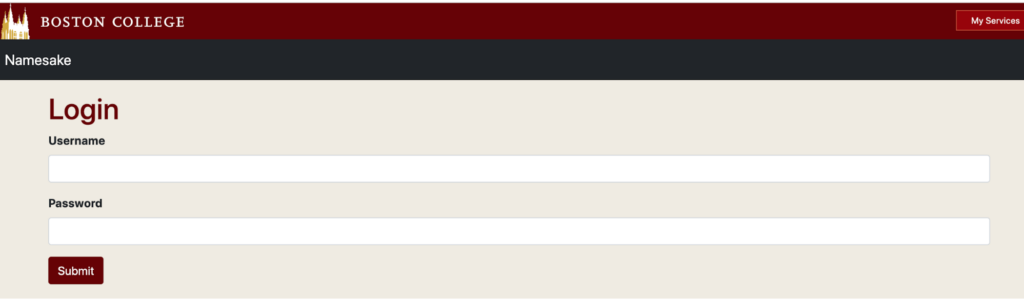
- Log into the following Namesake server with the user’s BC username and Agora password: https://namesake.bc.edu/namesake/login
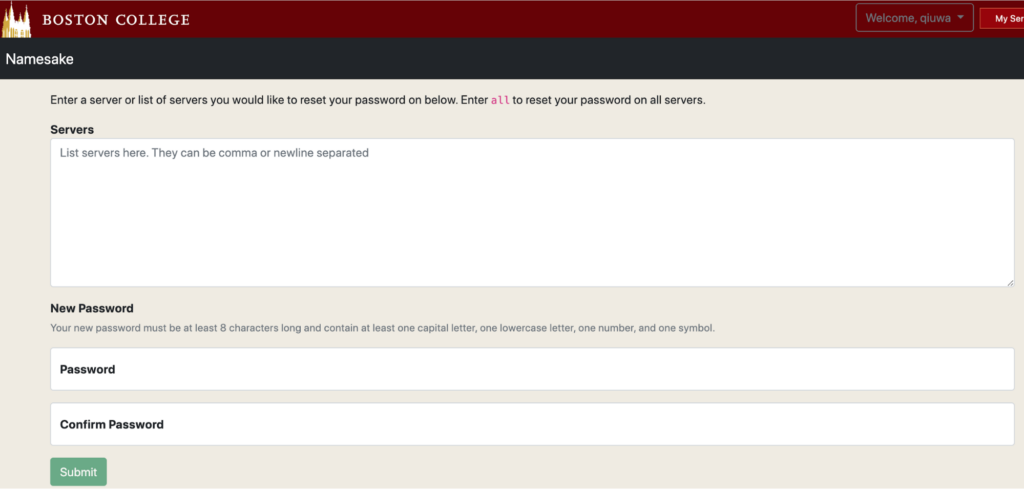
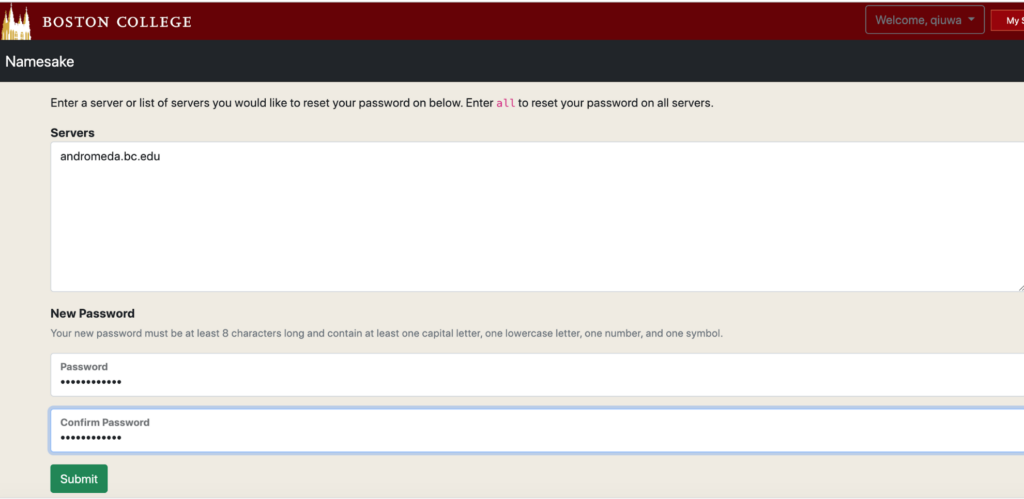
- To set/reset the password on the Linux Cluster named Andromeda.
Enter “andromeda.bc.edu” in the “servers” text box. Type and confirm a password to login to Andromeda. See the example below.
- Wait for the “success” screen, done; get the password to access the Linux cluster